Creator Production
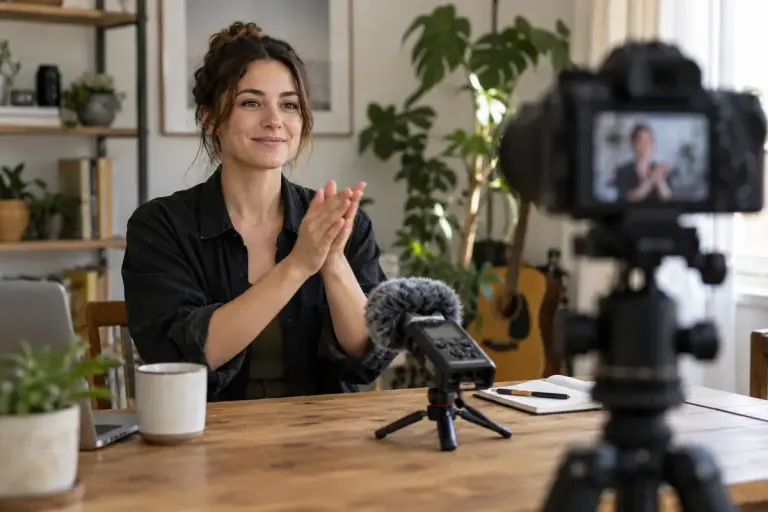
Record a Clap to Make Separate Audio Easier to Synchronise
A visible, audible clap gives separate camera and recorder files a useful sync point, but the finished edit still needs checking for drift.

Clearer ideas, better production and a sustainable creative practice.
A visible, audible clap gives separate camera and recorder files a useful sync point, but the finished edit still needs checking for drift.
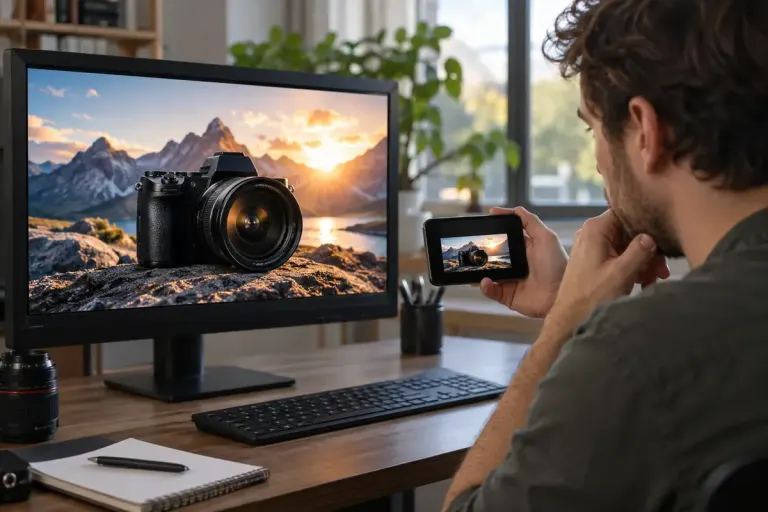
Judge a video thumbnail in a realistic feed-sized preview so the subject, wording and promise remain understandable outside the editing canvas.
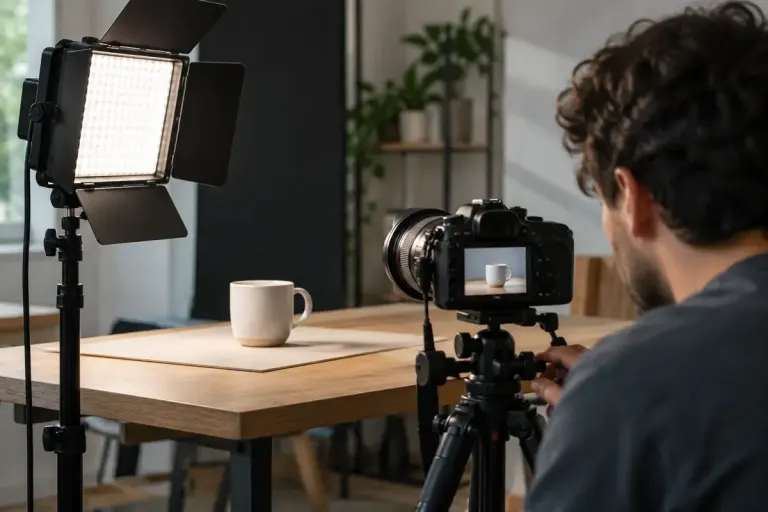
Isolate the light source and record short tests before changing a whole video setup to solve flicker or moving bands.
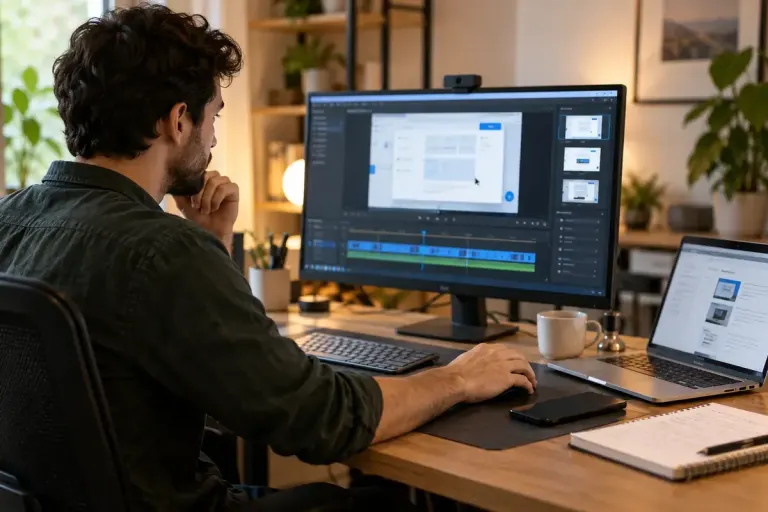
Prepare a screen-recording demo that uses fictional data, quiet notifications and a repeatable starting state before you record a tutorial.
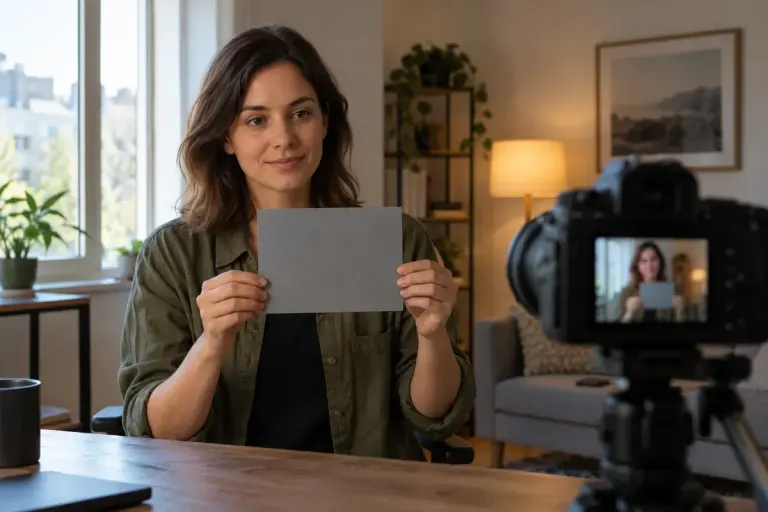
Keep colour consistent between video shots by checking the lighting, setting white balance deliberately and recording a useful reference before filming.
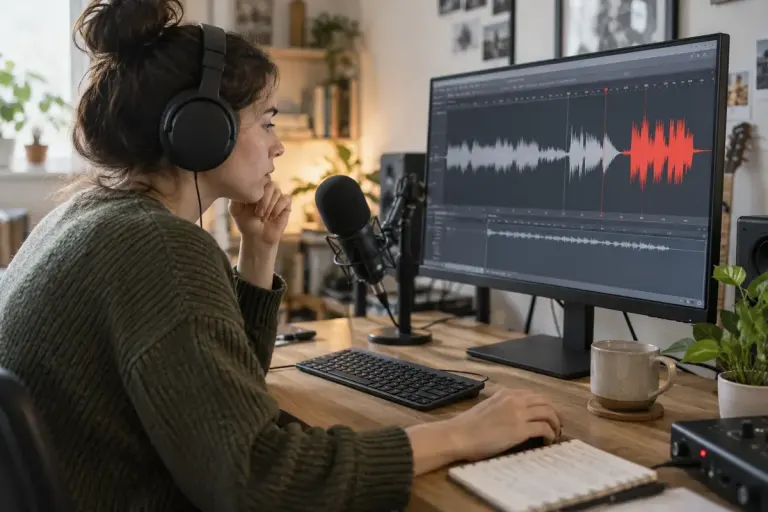
Check voiceover levels at recording time so a quieter export does not hide distortion that was already captured in the original audio.
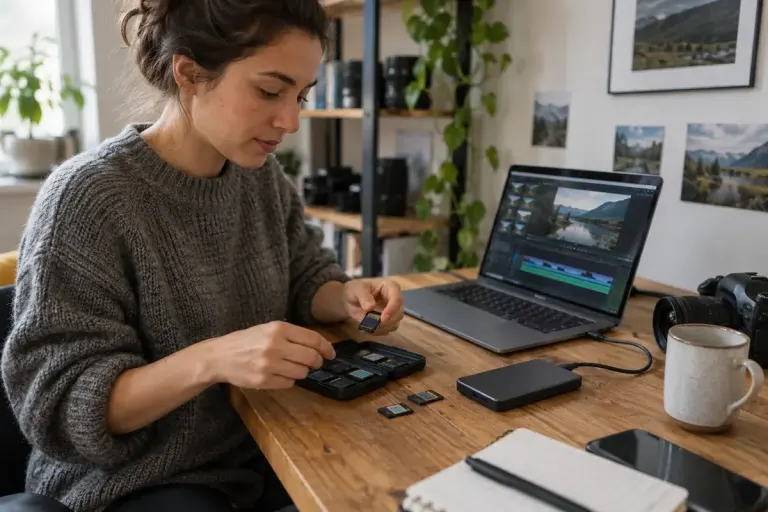
Separate original camera files from working files and exports so revisions do not overwrite the footage or photographs you may need later.

Use a short spoken test to identify plosive pops, then compare microphone placement and suitable pop protection before recording a full session.
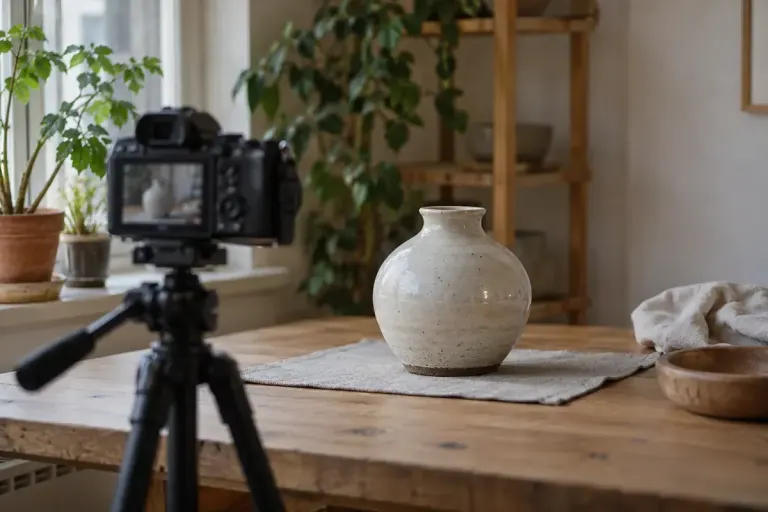
Leave usable time before and after an action so your video edit has room for clean cuts, natural pacing and a complete movement.