
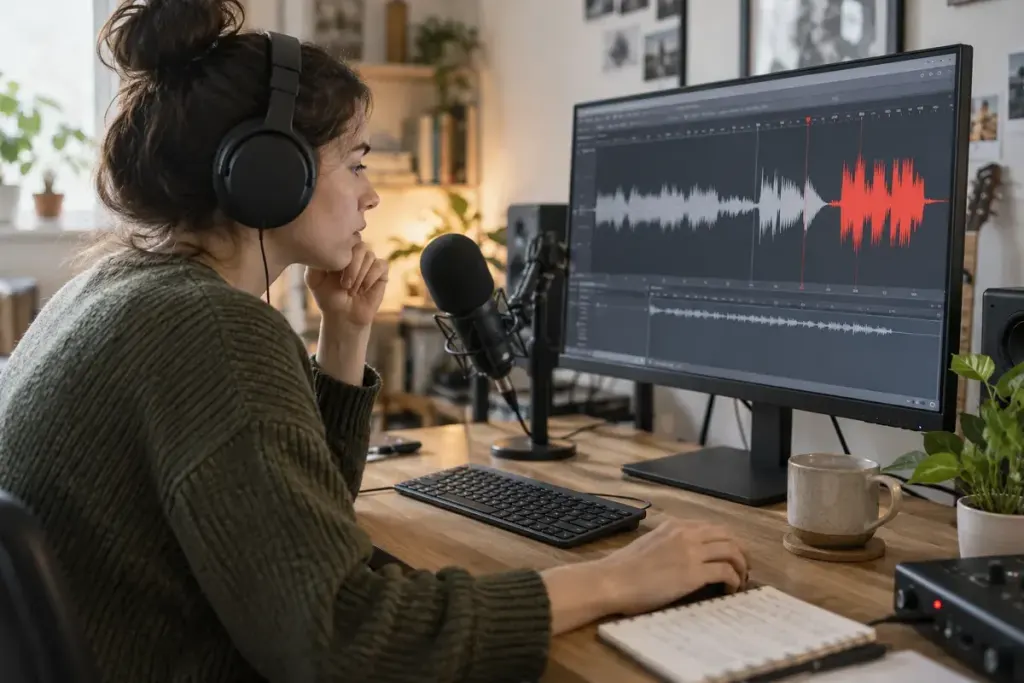
The exported voiceover is not especially loud, yet certain words sound harsh and broken. Turning down the final file may reduce its volume without repairing distortion captured during recording. The important check starts before the full take.
Clipping occurs when a signal exceeds the available range at a stage in the recording chain. Lowering the level later does not reliably reconstruct the missing shape of the original signal. A quieter distorted recording can still be distorted.
Test the loudest realistic sentence
Record a short passage using the energy and distance you expect in the final performance. Include a louder phrase rather than testing only a soft greeting. Watch the input meter and listen to the recording through suitable headphones.
Adjust the relevant input gain according to your equipment and software guidance. Leave room for natural variation. Moving a fader that controls playback may not change the level entering the recorder, so confirm which control you are using.
Keep the recording chain understandable
Check whether the microphone, interface, application or an automatic processing feature is changing the signal. Make one adjustment at a time and repeat the same test phrase. This is more informative than changing every setting and hoping the next take sounds better.
If a passage clips, re-record it when practical. Repair tools may help in some cases, but they should not become the plan for an avoidable recording problem. Keep the original file so any processing can be compared with the source.
Before the long session, confirm the microphone position and input settings once more. Then listen to a few seconds of the actual take. A clean test made with a different distance or performance does not prove the new recording is safe from overload. The goal is a clear original that remains usable before any final loudness adjustment.