
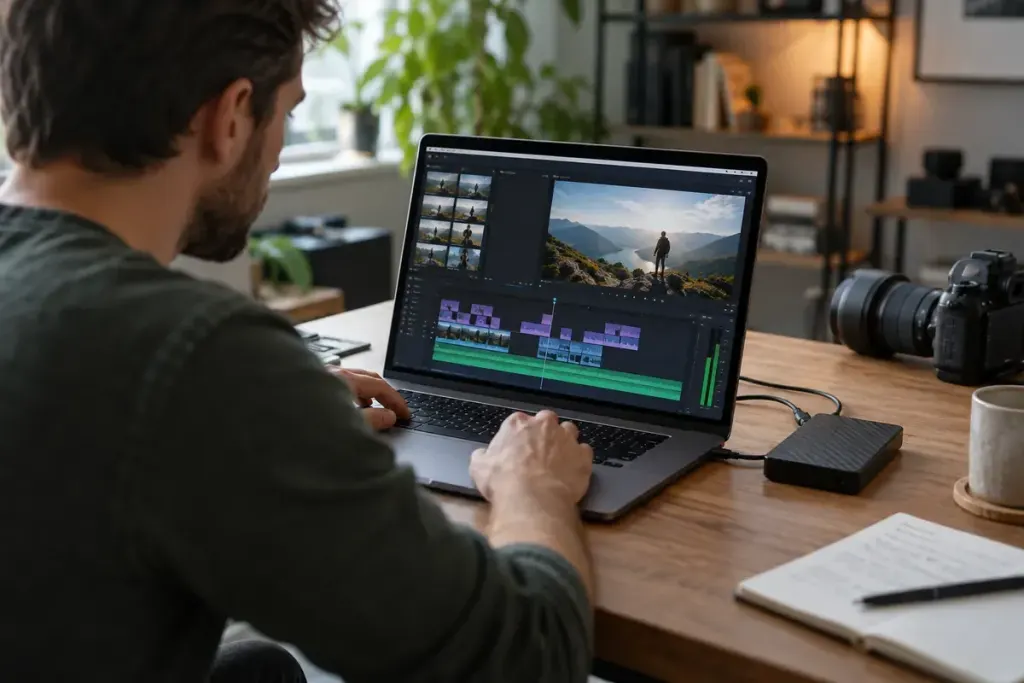
A proxy is a lighter working copy of video media, useful when the original footage is demanding to edit. It lets you make timing and story decisions without asking the computer to play the most demanding source file at every moment. Using proxies does not mean the final delivery must use those lower-quality copies.
Adobe’s ingest and proxy guidance explains the working-copy approach. Its reconnection instructions cover returning to full-resolution media before export and demanding finishing work. Other editors have their own controls, so check the workflow for your actual application and version.
Keep the relationship between files intact
Use a predictable folder structure and avoid casually renaming originals after proxies have been linked. Keep the camera files intact. A proxy is not a replacement archive of the source footage, and a project file alone may not contain the video it references.
Before finishing, confirm that the original media is online and correctly matched. Scrub several clips, including those from different cameras or recording settings. Check that the right shot, timing and audio appear; a file with a similar name is not sufficient proof of a correct link.
Inspect detail-sensitive work with the intended source media. Focus, noise, keying and fine graphic alignment can be difficult to judge from a reduced proxy. A smooth editing preview should not become the only quality check before delivery.
Read the export settings rather than assuming a preview toggle determines everything. Some workflows allow proxy-based export deliberately, and missing originals can change what is possible. Make a short test export from a representative section, then check its resolution, framing, audio and visible detail outside the editor.
Once the test is correct, export the complete piece and watch it as a viewer would. Proxy editing succeeds when it makes the working process easier while preserving a clear, verifiable route back to the media required for the final result.