Editing With Video Proxies Does Not Mean Exporting the Low-Resolution Copy
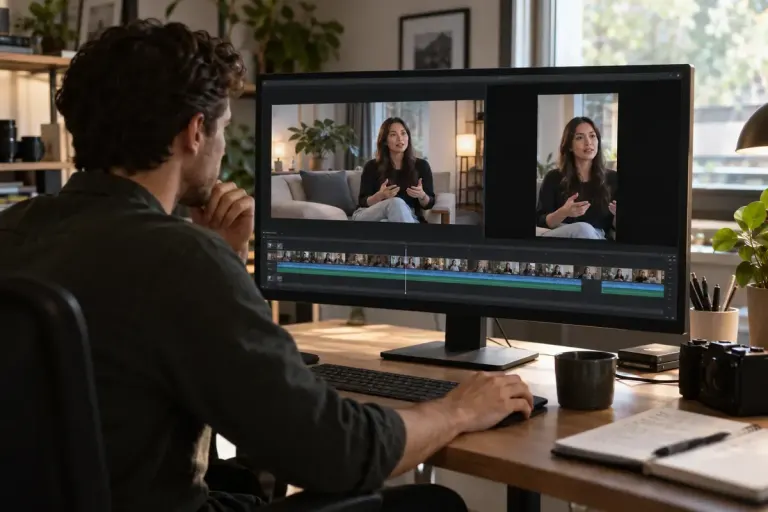
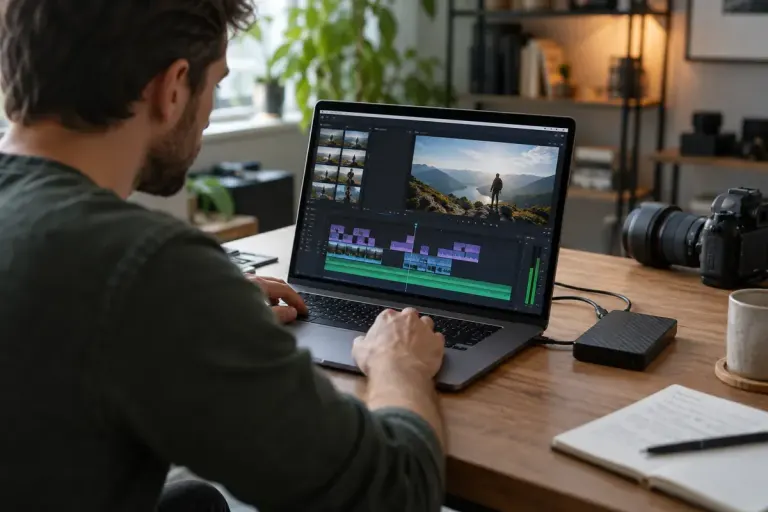
Use video proxies for smoother editing while keeping the original media linked and checking the final export settings before delivering the full-quality file.
Use video proxies for smoother editing while keeping the original media linked and checking the final export settings before delivering the full-quality file.
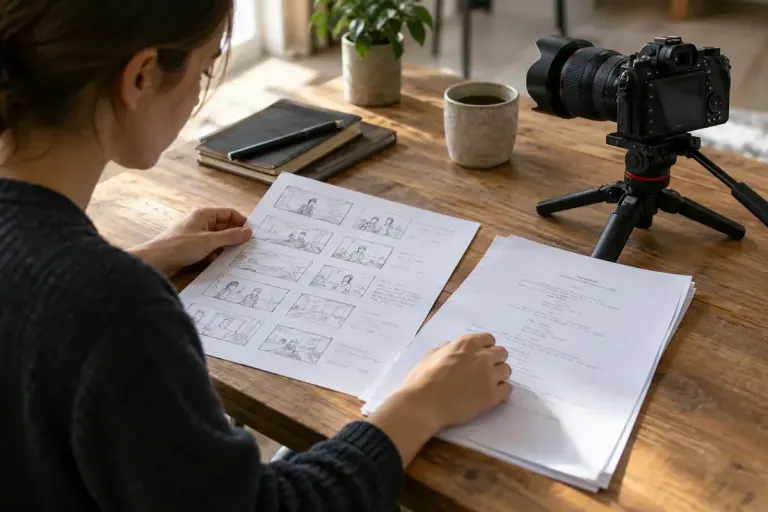
Separate the words of a video script from the images on a shot list, then connect them with a small production plan that makes editing easier.

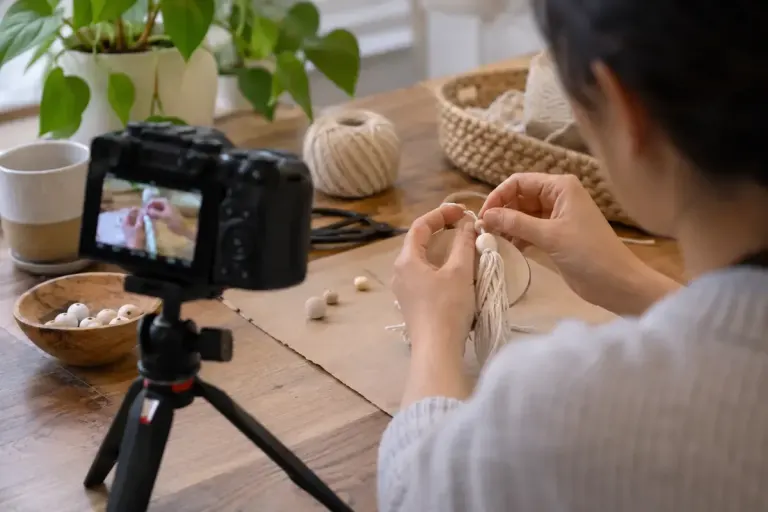
Plan B-roll around details the audience needs to see, then capture clear actions and context rather than collecting unrelated decorative footage.

Record clean space around a spoken line so an editor can make a natural ending without cutting off the final consonant or room sound.

Plan space for titles before filming a presenter, then test the actual crop, captions and platform interface with a short sample recording.

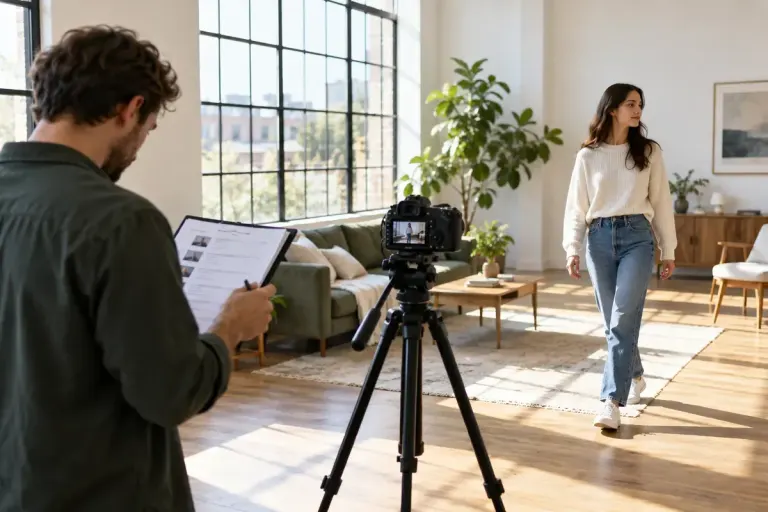
Test focus at the presenter’s real position and expected movement before recording a long take, rather than judging only the background or a tiny preview.

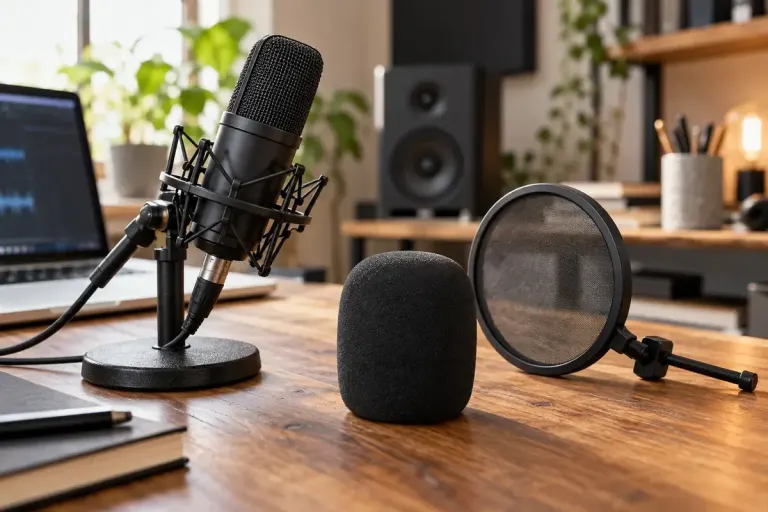
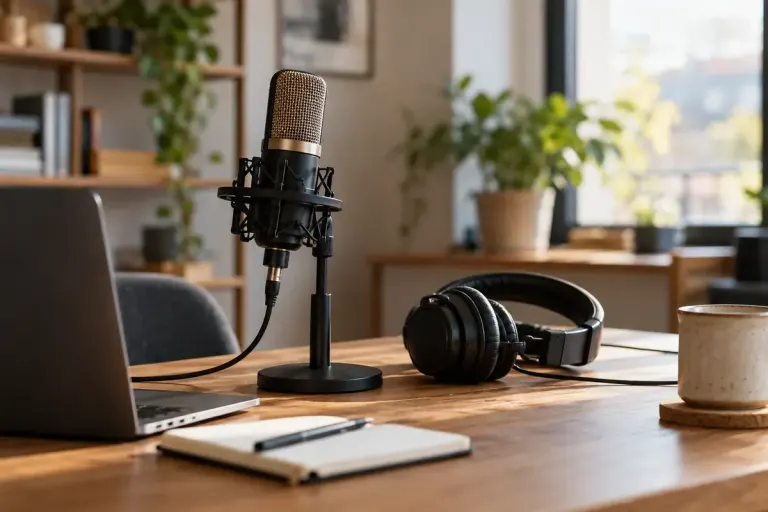
Match microphone protection to wind or speech bursts, and test the actual recording position before relying on a foam cover or pop filter.

Extra footage is easier to edit when movement keeps a consistent screen direction. Plan entrances, exits and neutral shots before collecting random angles.

Adapt a horizontal video for a vertical frame while preserving the action, captions and relationships that make the scene understandable.