
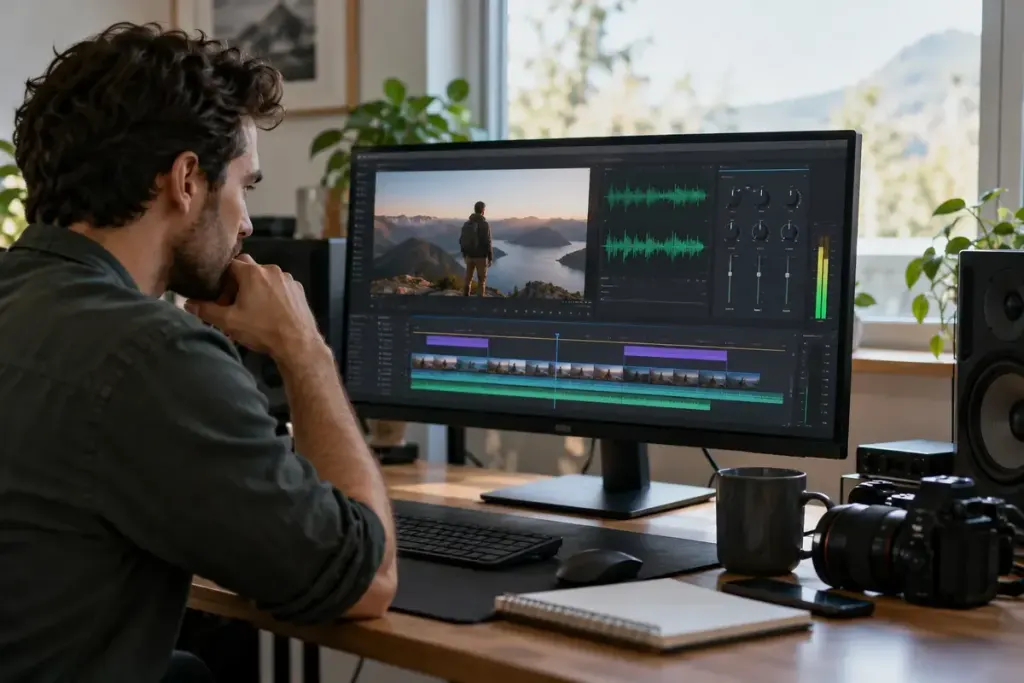
A camera records video at 25 frames per second while a recorder captures audio at 48 kHz. The numbers are not supposed to match. Video frame rate counts images over time; audio sample rate counts measurements of the audio signal over time.
Adobe’s audio-conforming documentation identifies 48,000 Hz as a common professional-video audio standard and explains how Premiere handles differing source and sequence sample rates. Follow the requirements of your actual project and delivery format.
Read the unit before changing the setting
Kilohertz means thousands of samples per second: 48 kHz is 48,000 Hz. Frames per second describes a different stream of information. Changing the video to 48 frames per second does not make it “match” 48 kHz audio.
Bit depth, channel count and compressed bitrate are other separate properties. A stereo recording at a particular sample rate does not tell you its loudness, microphone quality or whether the sound was recorded cleanly.
Check the workflow with a short recording
Before a long session, record a brief sample with the intended devices and import it into the actual project. Check that duration and playback sound sensible, and that the editor interprets the file’s settings as expected. Keep the original file before any conversion.
Do not fix a mismatch by merely relabelling a file’s sample rate. Proper conversion and changing how existing samples are interpreted are different operations; the latter can alter speed and pitch. Use the software’s documented workflow.
If separately recorded sound drifts during a long video, do not assume the sample-rate number alone explains it. Device clock differences and interpretation or synchronisation settings can also matter. Record the exact devices and settings when asking for help.
A useful preflight note lists video frame rate, audio sample rate, channels and the required export format separately. That small separation prevents a common category mistake and makes technical conversations easier. Clean sound still begins with recording technique; a larger settings number cannot repair noise, clipping or an unsuitable microphone position.