
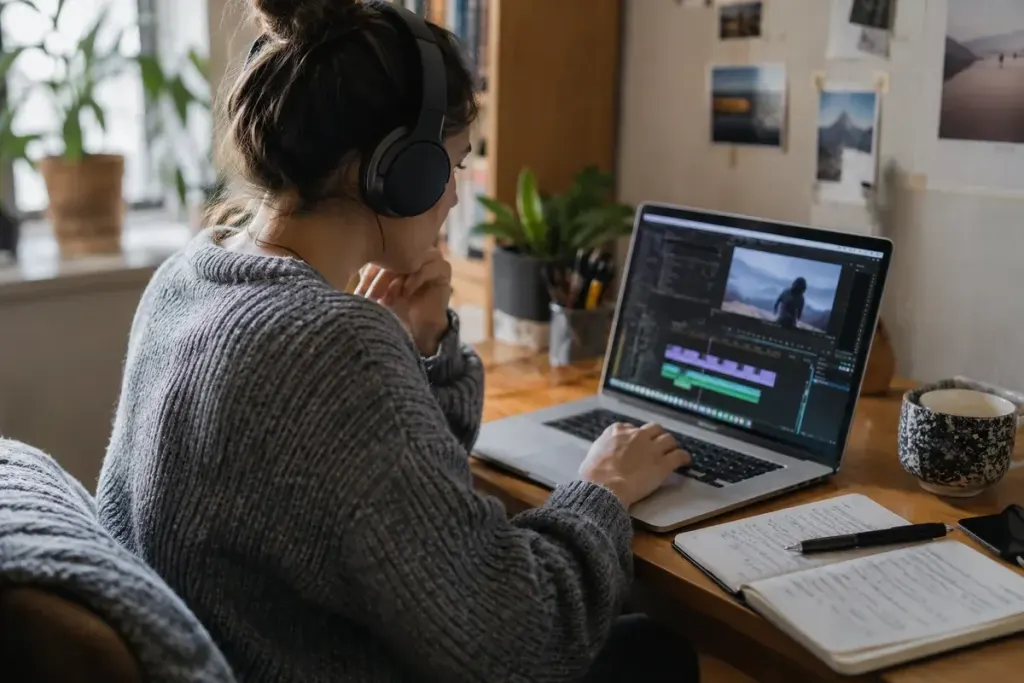
The edit is sharp, the audio is clear and the upload is complete. Then the automatic captions turn a guest’s name into an unrelated phrase and drop the word “not” from an important sentence. A small transcription error can reverse the message.
A caption pass deserves its own place in the publishing checklist. It is part of editing the finished video, not an optional polish for viewers who happen to turn captions on.
Work from what the final video says
A script is a useful starting point, but the spoken recording may differ. Review captions against the final cut, including introductions, unscripted remarks and sections shortened during editing. Names, technical terms and numbers often need particular attention.
YouTube’s automatic-caption guidance explicitly recommends reviewing and correcting generated captions. Automatic availability does not establish accuracy.
Check meaning before punctuation
Correct omissions, substitutions and speaker confusion first. A perfectly punctuated sentence is still wrong if it changes the speaker’s point. Where a word is genuinely unclear, consult the original recording or the speaker rather than inventing a plausible replacement.
For an interview, keep a short spelling sheet approved by the guest where appropriate. That prevents the same name being corrected differently in the title, description and captions.
Watch with the sound off
Check whether captions appear at the right moment and remain long enough to follow. Include relevant non-speech information where it carries meaning, such as an off-screen alarm or a change of speaker that is not visually obvious.
Look at the actual player on a small screen. Captions should not be hidden behind platform controls or clash with essential on-screen labels. A transcript may be useful alongside the video, but it does not replace synchronised captions for someone watching it.
Publish, then verify the selected track
After saving corrections, open the public video and select the intended caption language. Check the beginning, a difficult middle section and the ending. Confirm that viewers receive the edited version rather than an older automatic track.
Keep the corrected caption file with the final video assets. If you later replace the edit, update timing and wording instead of assuming the old track still fits. This small discipline makes accessibility part of a repeatable creative workflow and protects the meaning of work you have already spent time getting right.