
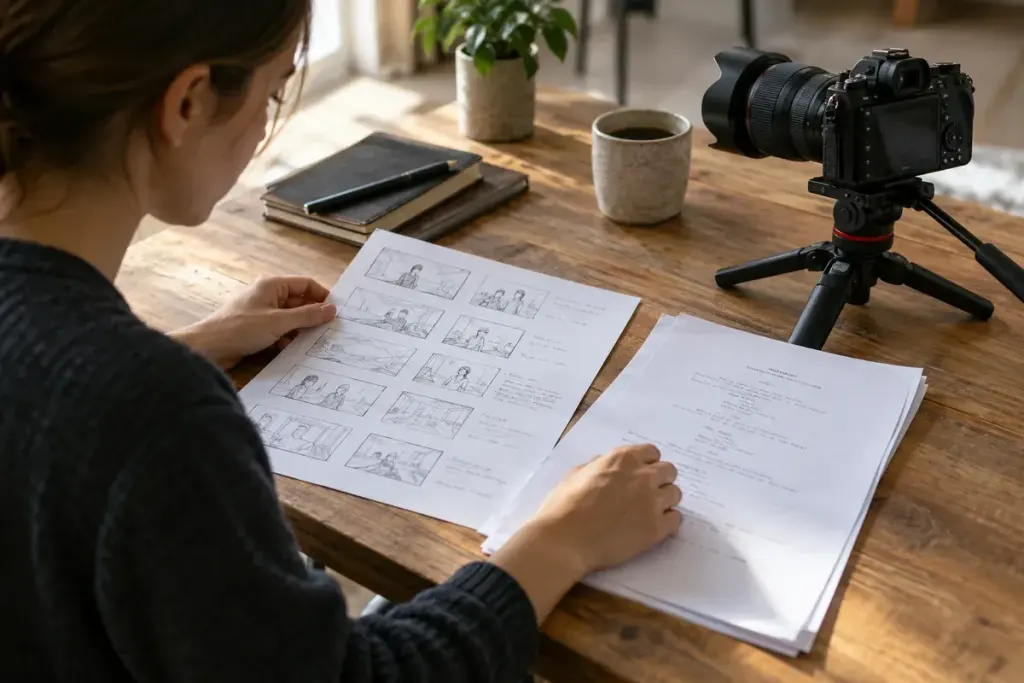
A script can explain exactly what you want to say and still leave you unsure what to film. A shot list answers a different question: which images will let the viewer follow that explanation?
For a short tutorial, the script might say, “Fold the flap over the edge.” The shot list should identify the view that makes the fold understandable. A close shot of the hands may serve the instruction better than another wide shot of the presenter.
Build the list from the viewer’s questions
Read each section and ask what the audience needs to see. Mark actions, objects and changes that words alone would make difficult to follow. Then choose a manageable set of shots rather than filming every sentence from several angles.
A practical row can include the shot number, subject, framing, action and sound requirement. Add a connection to the relevant script section. That link helps you notice when a rewritten instruction needs a different image.
Include a view of the starting state and the finished result where they matter. During editing, those landmarks can explain an action more clearly than an attractive but unrelated cutaway.
Group filming without losing continuity
You may film all tabletop shots together to avoid repeatedly rebuilding the setup. Keep track of object positions and the stage of the task so that the edited sequence remains believable. Photograph the setup if needed, taking care not to capture private information.
After each shot, check focus, sound and whether the action is visible. Mark it complete only after that quick review. A tick beside an unusable clip is not useful progress.
The script can change during filming, and the shot list can change with it. Keep one current version and note any missing coverage before packing away. These documents work together: one organises the message, while the other makes sure you bring home the images needed to communicate it.