
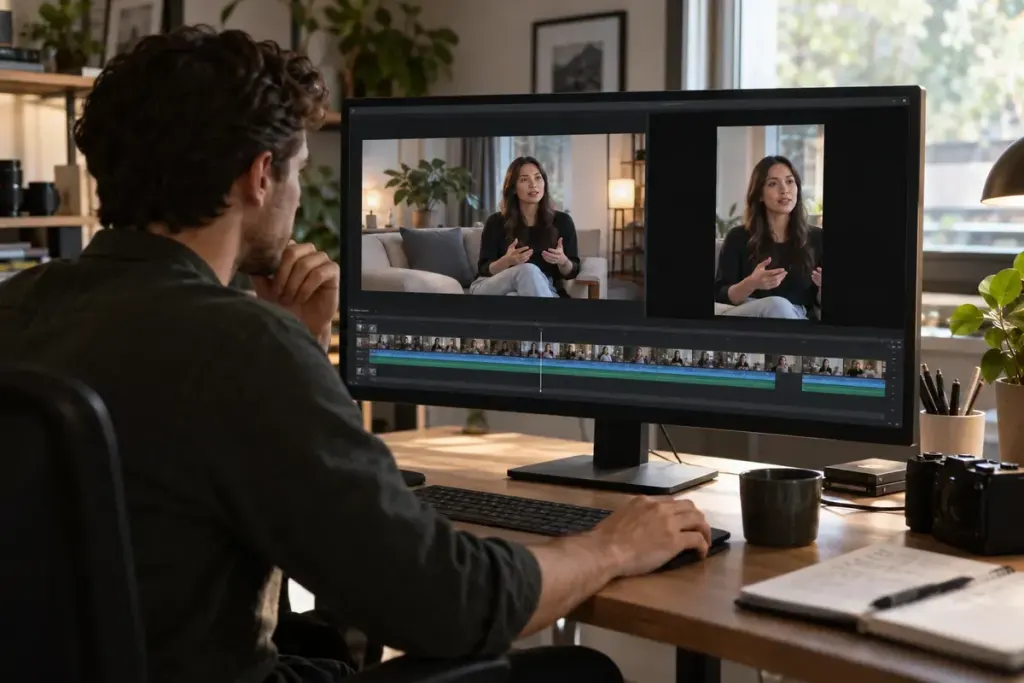
A horizontal shot contains a speaker on the left and the object they are explaining on the right. A simple centre crop may remove both the gesture and its target. The vertical version then loses the point even though the face remains sharp.
Before cropping, identify what the viewer needs to understand in each shot. Sometimes the face is central; sometimes the important information is a hand, a tool or the distance between two people. Reframing is a storytelling decision as much as a format conversion.
Choose a treatment for each shot
For a mostly static subject, a fixed crop may work. If the relevant action moves, carefully placed reframing keyframes can follow it. When essential information occupies both sides of the original frame, consider a different edit, a wider presentation within the vertical canvas or a cut to a detail shot.
Do not add constant movement just because the editor can track a subject. A frame that drifts unnecessarily can compete with the content. Watch the result at normal speed and check whether the movement feels motivated.
- Keep hands and objects involved in the explanation visible.
- Check captions after the crop, not only before it.
- Allow for the platform’s current interface overlays.
- Inspect the export on an actual small screen.
A useful test is to watch the vertical version without remembering the original. Can a new viewer identify what is being discussed? If a sentence refers to “this part” but the part is outside the frame, revise the shot or the narration.
Retain the original project and export a separate version so later corrections do not require rebuilding the edit. Name the versions clearly by format and date.
The strongest adaptation does more than fill a tall rectangle. It preserves the visual relationships that made the original sequence worth watching.