
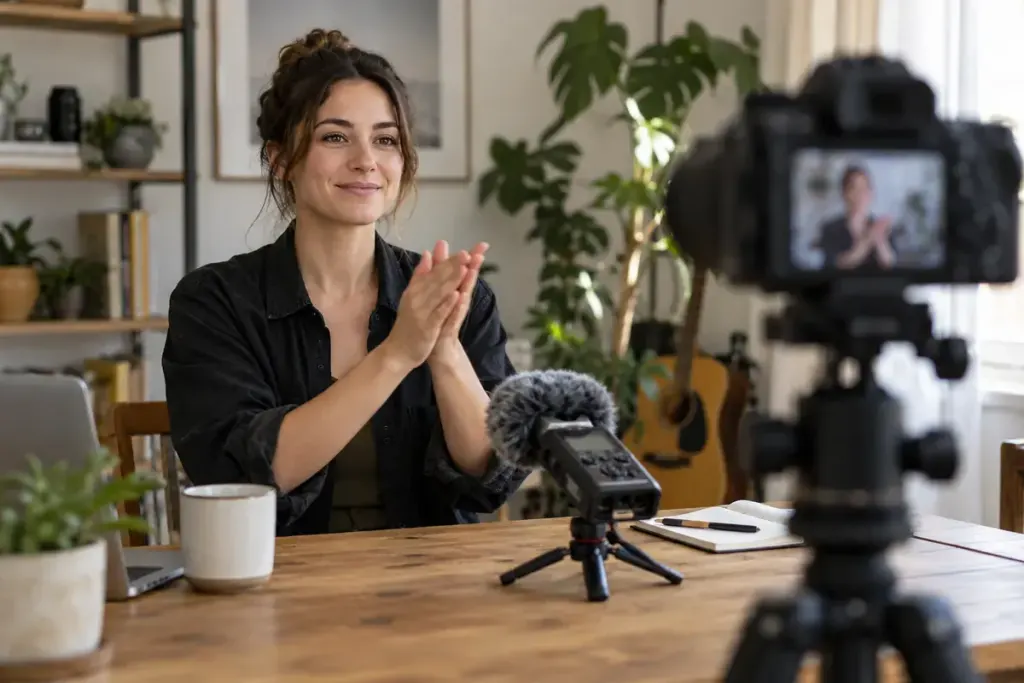
The camera captured the performance and the separate recorder captured cleaner sound. Now the words arrive a fraction before the mouth moves. A simple clap recorded at the start can give you a clear point for aligning those files.
Make sure every device is recording first. Say the take identifier if useful, then make a visible clap that each audio recording can hear. Leave a short pause before beginning the performance. Do not clap directly beside a microphone or someone’s ear.
Keep the reference recordings
The camera’s scratch audio may sound worse than the external recording, but it can still help synchronisation. Keep the original files intact and organise them by take. Similar filenames are not enough to establish that two clips belong together.
In the editor, compare the clap’s visible contact with the corresponding audio transient. Adobe’s synchronisation documentation describes several alignment references, including markers at a slate clap. Use the method supported by your editor and inspect the result rather than assuming an automatic command succeeded.
Check more than the opening second
Play dialogue near the beginning, middle and end. A good starting alignment does not rule out drift later in a long recording. If sync changes over time, investigate recording settings and the editing workflow instead of repeatedly sliding the whole audio clip to fix one moment.
Mute the redundant camera audio only after confirming which track should be heard. Accidentally leaving both active can produce an echo-like result even when the clips appear close together.
For the next recording, test a short sample with the actual camera, recorder and software. Export it and watch the file outside the editing timeline. That rehearsal can reveal a problem before a long interview creates dozens of files to repair.
A clap is a reference point, not a complete sound workflow. Used consistently with take labels and a final listening check, it makes separate audio much easier to manage.