
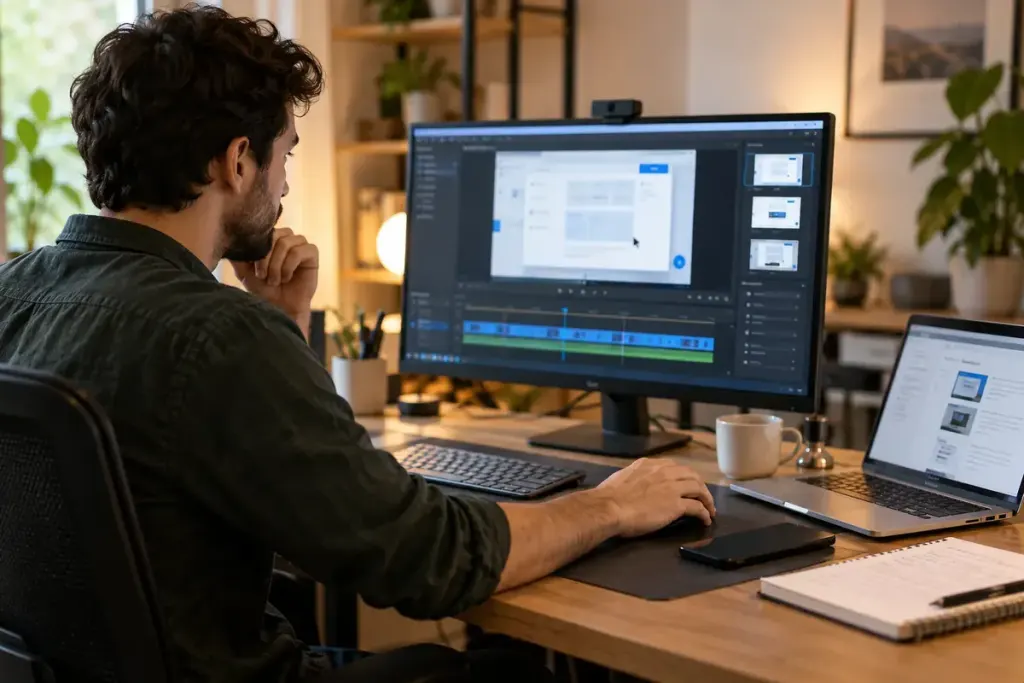
A useful screen tutorial can accidentally reveal an inbox preview, a customer name or a file path in the background. Preparing a demonstration environment makes the lesson clearer and reduces the chance of recording information that never belonged in the video.
Build the example deliberately
Use an appropriate demonstration account or workspace with fictional records. Label examples clearly and avoid copying real customer information merely to make the screen look realistic. Keep the permissions and features close enough to the intended audience that the steps remain reproducible.
Start from a known state. Record which sample file, settings and account role the lesson expects. If you practise the steps before filming, reset the example so the recording does not begin halfway through a completed task.
Check beyond the active window
- Close unrelated tabs and applications.
- Review notification settings and messaging previews.
- Check recent-file menus, bookmarks and autofill suggestions.
- Remove private information from the desktop and visible folders.
- Confirm that the recording captures only the intended area.
Make these changes through normal application and operating-system controls. A cropped recording is helpful, but it will not protect information displayed inside the area you chose to capture.
Review the footage as a viewer
Watch the complete recording before publishing, including the beginning, end and moments when windows change. Pause on menus and dialogs. Check that the demonstration still teaches the promised task and that fictional details cannot be mistaken for a real person’s records.
If sensitive information appears, remove or re-record the affected material and follow the relevant incident process if it was already shared. Do not rely on a quick blur that you have not checked at the exported resolution.
A clean demonstration account is also easier to reuse. It gives the next tutorial a predictable starting point and lets the audience focus on the action being explained.