
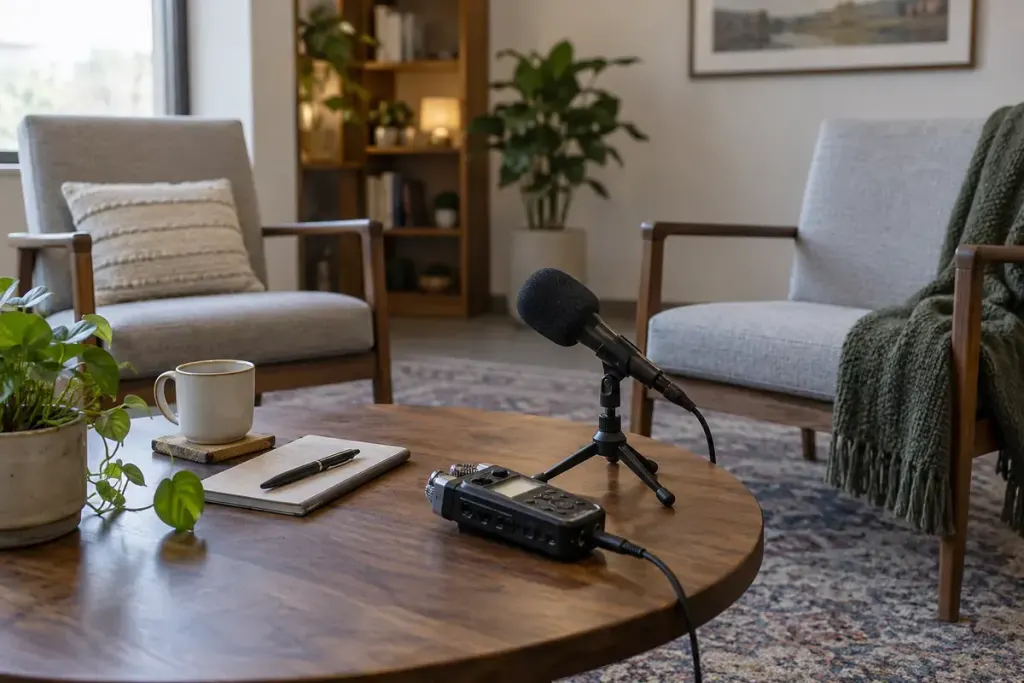
The voice sounds clear until a word beginning with “p” produces a sudden low thump. Turning down the whole recording makes everything quieter without addressing the burst of air that caused the problem.
Before recording a long introduction or interview, make a short test containing ordinary sentences with several “p” and “b” sounds. Listen at a comfortable level and distinguish a breath-driven pop from background noise, handling noise or clipping.
Test the setup you will actually use
Sit or stand in the intended position and speak at your normal delivery level. Exaggerated test speech can lead you to solve a problem that does not occur in the real performance while overlooking one that does.
Check the microphone’s intended speaking direction and the manufacturer’s advice. Some models are addressed from the end, others from the side. Pointing the wrong surface towards the speaker makes every later comparison less useful.
Compare placement and protection
Try a modest change in distance or angle, keeping the voice comfortably within the microphone’s intended pickup area. A position slightly outside the direct breath stream may help, but listen for changes in tone and background pickup as well.
Use compatible pop protection where appropriate. For example, the Shure PGA27 guide discusses a pop filter in relation to plosives. That is guidance for a particular microphone; it does not make every filter or setting appropriate for every model.
Keep a physical filter positioned according to its instructions and avoid touching it while speaking. Do not assume that a foam cover, mesh filter and software feature perform identically.
Listen to the sentence, not just the thump
Compare the short tests at similar playback loudness. Choose the setup that controls the unwanted burst while preserving a usable voice sound. Check several sentences, because one successful syllable may not represent an entire recording.
If the problem remains severe, inspect levels and equipment with someone experienced before investing in new hardware. A pop and an overloaded input can coexist, but they are not the same diagnosis.
Save a brief setup note with the session. Preventing the problem during recording is usually a clearer workflow than expecting an editor to rebuild every damaged consonant afterwards.